



Google Chrome has introduced the vertical tabs feature to everyone
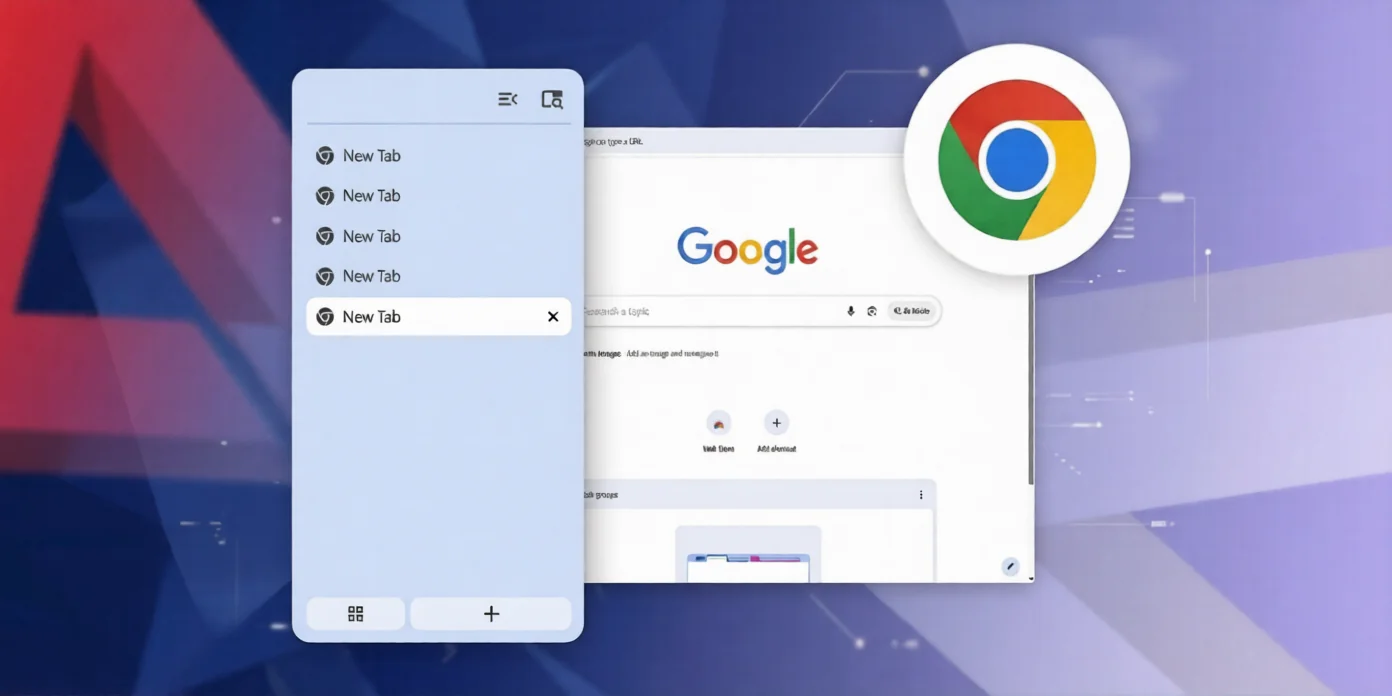
Google Chrome browser has now made the vertical tabs feature available to all users. Zamin.uz reported this news.
This capability was previously available in browsers such as Edge, Firefox, and Brave. In the new mode, open tabs are moved from the top of the browser window to a side panel on the left.
This update provides users with greater convenience in managing pages. To enable this feature, you need to type chrome://flags/#vertical-tabs into the browser's address bar.
Then, set the Vertical Tabs parameter to "Enabled" and restart the browser. After that, go to the Settings section, within Appearance, and change the tab location from Top to Side to activate the feature.
Vertical tabs are especially convenient for users who work with many open pages. The size of the left side panel can be adjusted, which helps in efficiently managing screen space.
Additionally, tab titles appear clearer compared to the traditional horizontal layout. Users can continue to pin tabs to the side panel and organize them into groups.
The new update allows Chrome users to customize their workspace according to their preferences and navigate between open pages more quickly. This makes the work process even more efficient and convenient.